AI Logo
How to generate a logo with the help of AI
The purpose of this short writeup is to document the journey how I created the logo of this site exploring the use of AI tools. For lack of better knowledge I used Microsoft Designer, which allows for free image generation as of June ‘24.
Logo Generation using AI
1st iteration
a logo design,with the text "Brain Extension", with a cardboard box containing stuff like brain, gear, tech stuff, light bulb, on a clear ground
|

|
|---|
2nd iteration
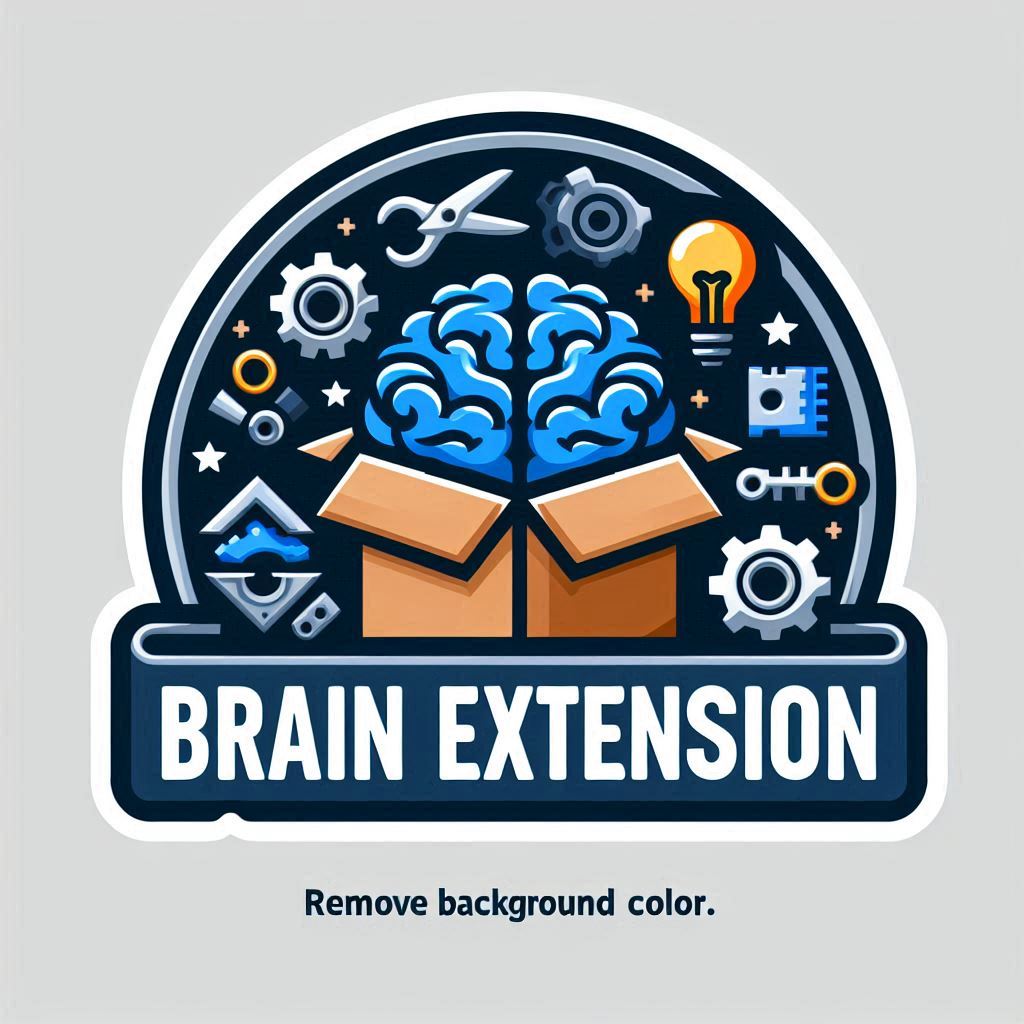
a logo design,with the text "Brain Extension", with a cardboard box containing stuff like brain, gear, tech stuff, light bulb, on a clear ground. Use a transparent background color.
|

|

|
|---|
Unfortunately, microsoft exports the images as jpeg so the terminology of transparent background was interpreted, let’s say, inf a funny way. Some more tinkering required trying to force an output of a png or an alpha channel failed.
n-th iteration
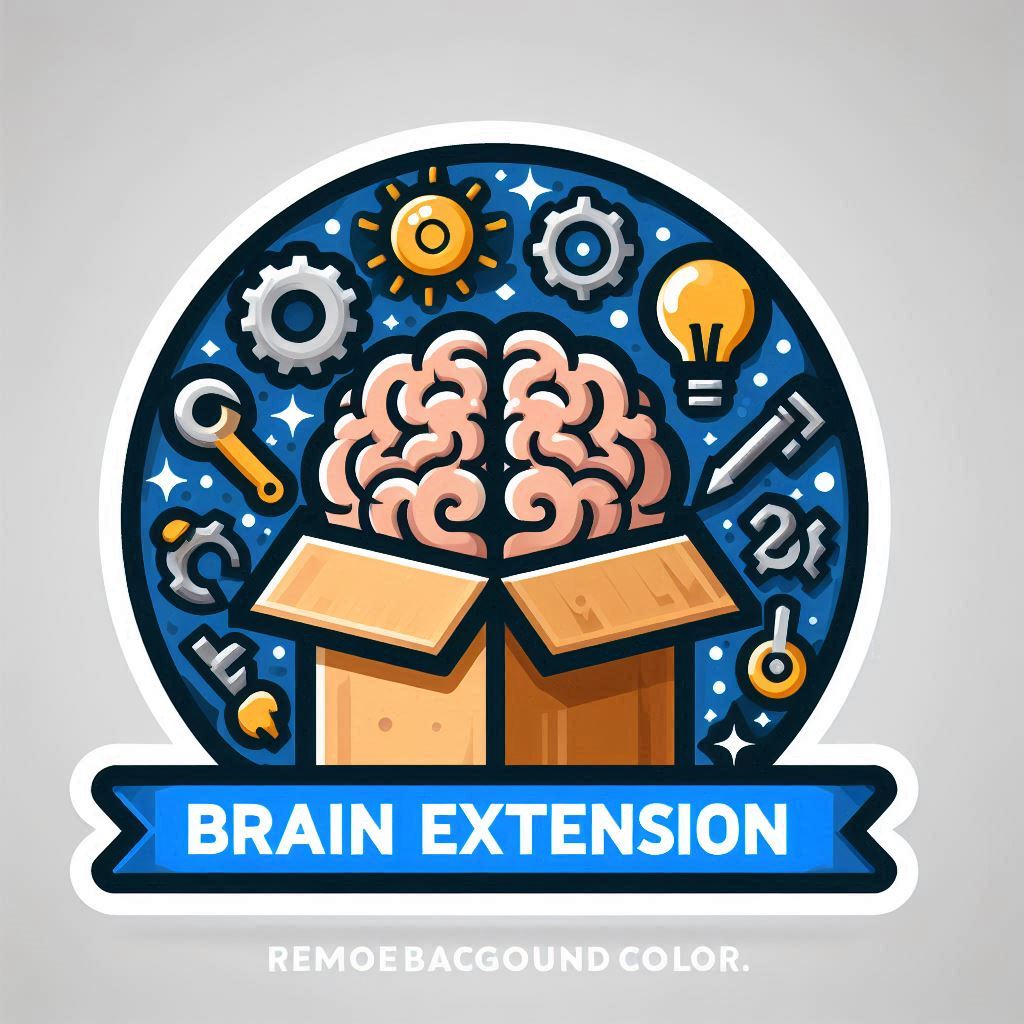
Ok, with a bit help of Mac’s Preview to remove the background lead to the logo use.
a logo design,with the text “Brain Extension” as a blue badge, with a cardboard box containing stuff like brain, gear, tech stuff, light bulb, on a clear ground. remove background color.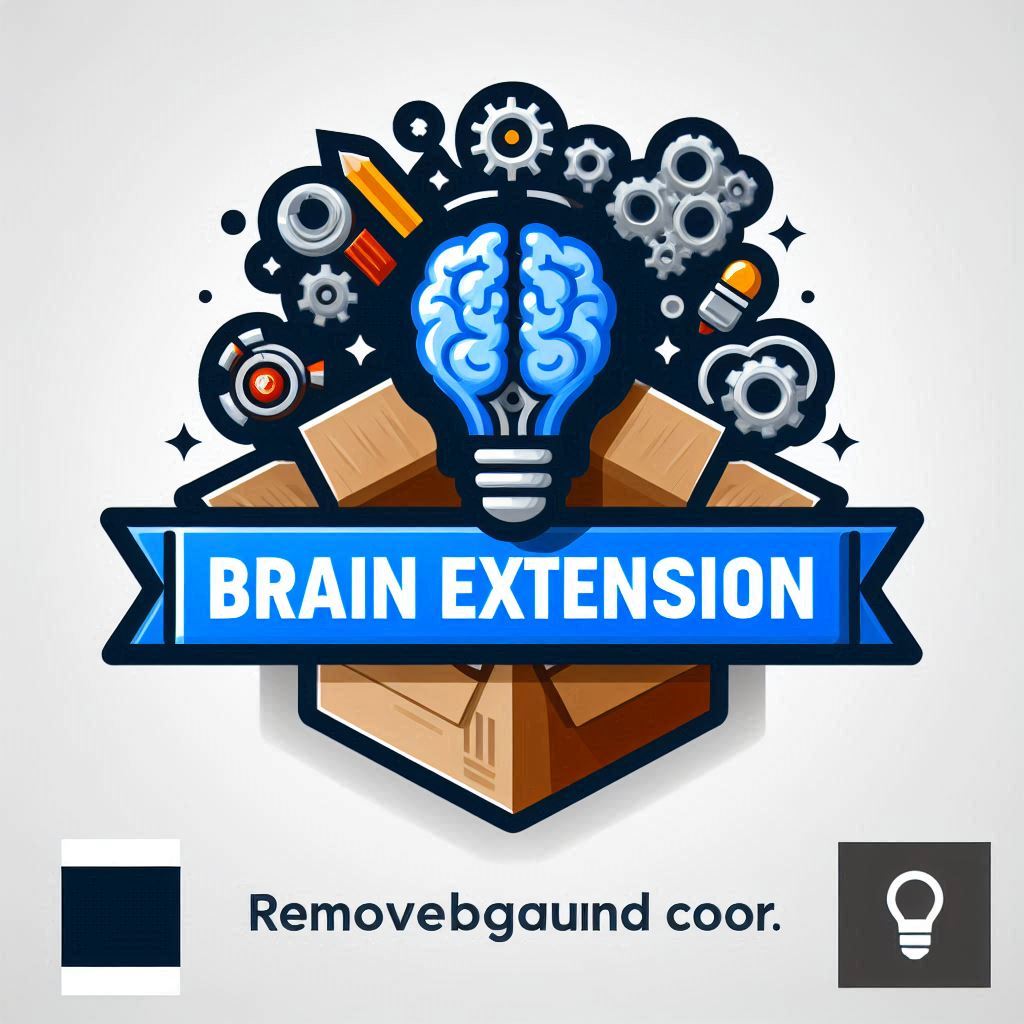
|
|

|
|
|---|
It’s impressive how AI unlocks capabilities to everyone with little to now knowledge. It’s not quite there yet, as it’s covering about 80% of what needs to be done, but more than a good start. And I have a logo.